What Is Generative UI? Why AI Answers Now Come With Buttons and Charts
AI assistants have started building charts, sliders and mini-tools on the fly. Here is what generative UI means for everyday users, and what to watch out for.

In this article
- What is generative UI, in plain English?
- Where can you see generative UI today?
- How does generative UI work behind the scenes?
- Generative UI vs a normal chatbot answer vs a regular app
- The standards behind generative UI: A2UI, AG-UI and MCP Apps
- What is good about generative UI for everyday users?
- What are the risks of generative UI?
- How to use generative UI sensibly
- Who benefits most, and who might prefer plain text?
- Generative UI: FAQs
- Sources
Generative UI: the short answer
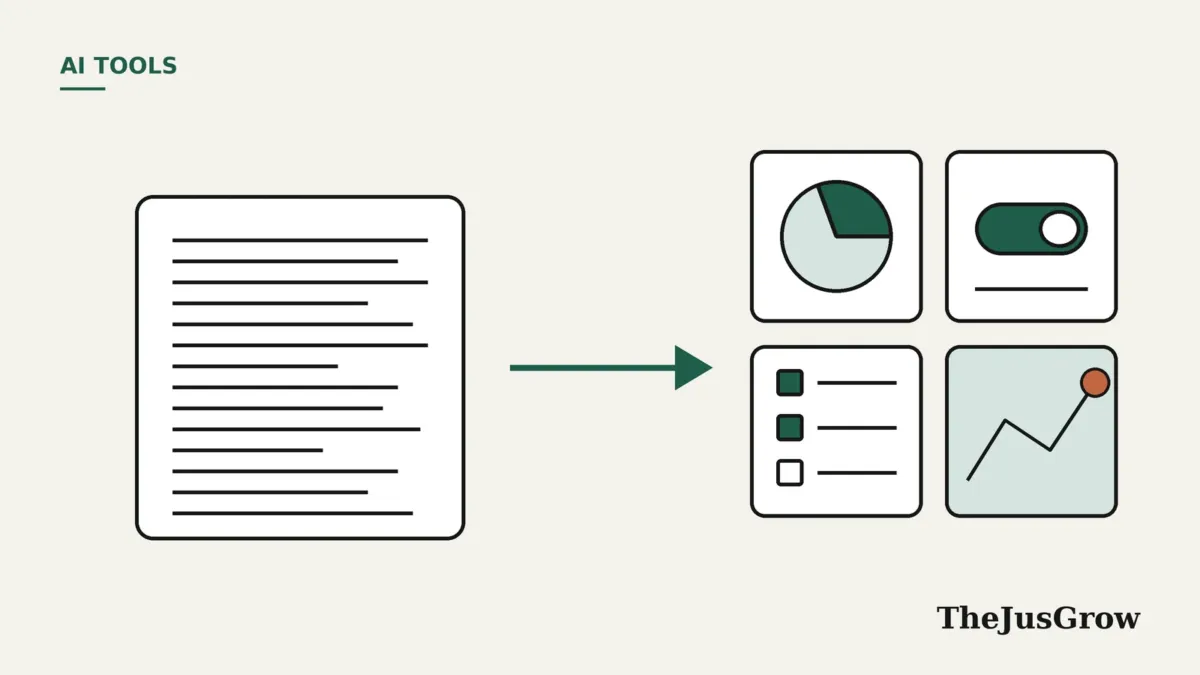
Generative UI is when an AI builds the screen you see, not just the words. Instead of replying with paragraphs, the assistant assembles charts, buttons, sliders, forms or a small tool that fits your question. ChatGPT added this for all users in October 2026, and Google has tested it in the Gemini app and Search since late 2025. It can make answers clearer, but generated tools still need checking.
If your AI assistant recently answered a recipe question with a cooking timeline, or a budgeting question with a calculator you can drag, you have met generative UI. The term describes software where an AI model decides, on the spot, what the interface should look like for your request. For decades, designers drew every screen in advance. Now, however, the AI creates some of those screens as you ask.
Most explanations of generative UI online target software developers, and many come from companies selling tools to build it. So this guide takes the other side: what the idea means for people who simply use ChatGPT, Gemini or similar assistants. We based it on publicly documented features and research, checked in October 2026. Also, TheJusGrow has not tested these products for this article.
What is generative UI, in plain English?
First, think about how a normal app works. Typically, a team of designers decides where every button, menu and chart goes. Then developers build those screens, and every user sees the same layout. As a result, if your question does not fit the screens they built, you hit a dead end.
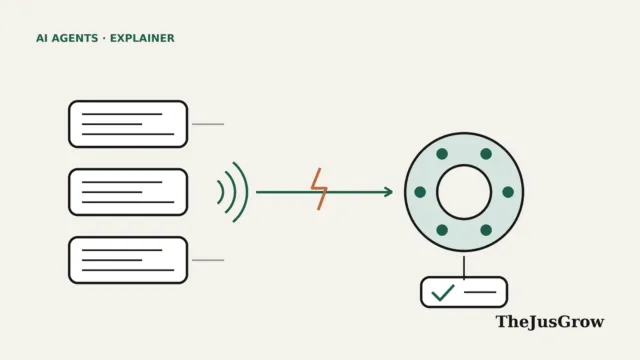
Generative UI flips that around. Google Cloud’s explainer describes it as an approach where a large language model builds the interface in real time, based on what the user wants and the context of the session. So the AI does not only write an answer. It also decides how to present that answer and what you can do with it.
In practice, that might mean:
- comparison tables when you ask which of two phones to buy;
- maps with pins when you plan a weekend of walks;
- loan or savings calculators with sliders for repayment questions;
- step-by-step checklists you can tick off while you cook.
In other words, nobody designed that specific screen for your specific question. Instead, the AI put it together for you, in that moment.
Where can you see generative UI today?
Until recently, generative UI was mostly a research topic and a developer buzzword. That changed when two of the biggest consumer AI products put it in front of ordinary users.
ChatGPT: Intelligent UI
On 7 October 2026, OpenAI made GPT-6 the default model in ChatGPT and introduced a feature it calls Intelligent UI. Paid plans received it first, and then Free and Go users followed the next day. According to OpenAI, answers can now include graphics, tappable buttons, forms, charts and small interactive tools, while plain text remains the choice when it works best.
Meanwhile, OpenAI’s help page adds practical limits. Intelligent UI works in the Chat tab but not in the Work tab or in voice conversations. You can also reduce it through Personalization, then Layout and Visuals, then Simple, although some elements may still appear. For the full rundown, also see our GPT-6 guide.
Google: Gemini app and AI Mode
Google moved earlier. In a Google Research post dated 18 November 2025, the company said it had begun rolling out two generative UI experiments in the Gemini app, called dynamic view and visual layout. It also added generative UI to AI Mode in Google Search for Google AI Pro and Ultra subscribers in the US, available by choosing “Thinking” from the model menu.
At the time, 9to5Google reported that the web version of Gemini showed either “Dynamic view” or “Visual view” in its Tools menu, depending on the account. Google described these as experiments, so availability has varied since. So if you use Gemini, check the Tools menu to see what your account currently offers.
How does generative UI work behind the scenes?
Of course, you do not need to understand the engineering to use generative UI. Still, a rough picture helps you judge what you are looking at, because different approaches carry different risks.
For example, Google Cloud describes a spectrum with three broad approaches, each trading control against flexibility:
| Approach | How it works | Trade-off |
|---|---|---|
| Fixed component kit | The AI picks from a library of pre-built, tested parts | Consistent and safer, but less flexible |
| Described layouts | The AI writes a structured description, and the app draws it | A middle ground that many products favour |
| Open-ended code | The AI writes raw web code that the app then displays | Most flexible, but riskier and harder to keep consistent |
OpenAI says ChatGPT’s Intelligent UI uses a native component library and a compiler that assembles the interface as the model writes. Based on that description, ChatGPT sits closer to the component-kit end of the spectrum. That is our reading of OpenAI’s public description rather than a claim OpenAI makes about itself.
Similarly, developer tool companies argue for the same pattern. For instance, tambo, which sells a toolkit for building these interfaces, says assembling predefined, tested components is more reliable than generating fresh interface code on every request. Treat that as a company’s view, although it matches the general direction of the bigger products.
Generative UI vs a normal chatbot answer vs a regular app
It helps to compare generative UI with the two things it sits between: the plain chatbot reply and the traditional app.
| Plain chatbot answer | Generative UI | Regular app | |
|---|---|---|---|
| Who designs the screen? | Nobody, because it is text | The AI, at the moment you ask | A design team, in advance |
| Can you interact with it? | Only by typing again | Yes, through buttons, sliders or forms | Yes, within fixed screens |
| Handles unusual questions? | Yes, but only as text | Often, within its component limits | Rarely, unless someone built that feature |
| Predictability | High | Lower, since layouts vary | Very high |
| Main risk | Wrong facts | Wrong facts inside a convincing tool | Missing features |
The last row matters most. After all, a wrong answer in a paragraph looks like a claim you might question. In contrast, a wrong answer inside a polished calculator looks like a finished product, which makes it easier to trust without thinking.
The standards behind generative UI: A2UI, AG-UI and MCP Apps
As with AI agents more broadly, companies are starting to agree on shared formats so that one AI can draw interfaces in many different apps. Specifically, Google Cloud names three that are worth recognising:
- A2UI, an open-source Google toolkit that sends descriptions of an interface rather than executable code, so apps on the web, Android and iOS can draw it safely.
- AG-UI, a protocol from the developer company CopilotKit that keeps an AI agent and the app on your screen in sync.
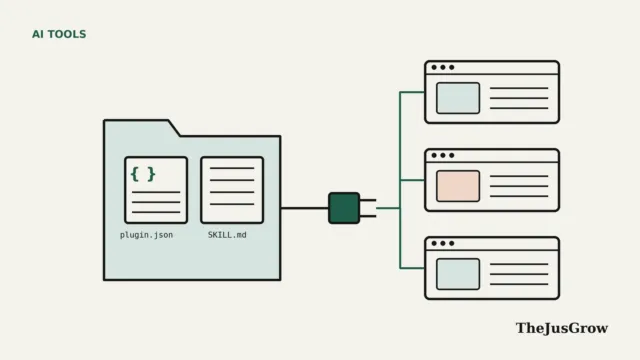
- MCP Apps, an extension of the Model Context Protocol where tools can return a small interface that runs in a sealed-off box inside the app.
If those names sound familiar, it is because they build on the same plumbing that lets AI agents use outside tools. Our explainer on the Model Context Protocol covers the basics, and our guide to WebMCP shows a related idea for websites. Admittedly, most people will never need to touch these standards. However, they explain why the same kind of interactive answer may soon appear across many different apps.
What is good about generative UI for everyday users?
Used well, generative UI solves a real problem, because text is a poor format for some questions, and long lists of numbers or steps are hard to follow on a phone.
- Clearer explanations, because you can adjust a value and watch the result change.
- Less copying between apps, since a quick calculation or comparison can happen in the chat.
- Answers that fit the task, whether that means a map for a trip or a timeline for a recipe.
- Faster scanning, especially when a table replaces several paragraphs.
In fact, Google’s research supports part of this. In its user-preference tests, people rated pages made by human experts highest, but generative UI came next. It also came well ahead of the top Google Search result and of plain text or markdown answers from AI. Notably, Google said the test did not account for how long the interfaces took to generate.
What are the risks of generative UI?
The same features that make generative UI appealing also create new ways for things to go wrong. Google’s own research post lists two limitations directly: generation can take a minute or more, and outputs are occasionally inaccurate. Beyond that, keep these risks in mind:
- Convincing but wrong tools. A calculator can use the wrong formula or a made-up interest rate, yet still look professional.
- Forms that collect information. Generated interfaces can include forms, so think before entering personal details.
- Manipulated interfaces. Google Cloud warns that prompt injection could lead to “UI injection”. Our guide to prompt injection also explains the basic risk.
- Accessibility gaps. Interactive parts may be harder to use with screen readers unless the builders plan for it.
- Unpredictable layouts. OpenAI notes that layouts are not fully predictable, so the same question may look different tomorrow.
How to use generative UI sensibly
Still, none of these risks means you should avoid interactive answers. Rather, use them the way you would use a spreadsheet someone else built.
- Check one result you can work out yourself before trusting a generated calculator.
- Look for the assumptions the AI chose for you, such as rates, dates or quantities, and correct them.
- Avoid entering passwords, card details or ID numbers into any form inside a chat.
- Ask the assistant to show its working as text, especially if a number matters.
- Finally, switch to text-first answers when the visuals slow you down.
Who benefits most, and who might prefer plain text?
Generative UI helps most when you are exploring, comparing or learning. For example, students working through a tricky concept will likely find it useful. Similarly, people planning trips or comparing options side by side may benefit.
On the other hand, some people will prefer plain text. If you copy answers into documents or emails, rely on a screen reader, or want short factual replies, interactive layouts can get in the way. Fortunately, ChatGPT lets you dial them down, and you can always ask any assistant to answer in plain text instead.
Key takeaways
- Generative UI means the AI builds the interface for your question, not just the words.
- ChatGPT brought it to all users in October 2026, while Google has tested it in Gemini and AI Mode since November 2025.
- Most consumer products assemble tested building blocks rather than writing new code each time.
- Interactive answers can be clearer, but a polished tool can still contain wrong numbers.
- Check generated calculators against a case you know, and also keep personal data out of chat forms.
Generative UI: FAQs
Not exactly, because many products let the AI pick and arrange ready-made parts. Some systems can write new interface code, but that approach is harder to keep safe and consistent.
You can reduce it. On the web, choose Personalization, then Layout and Visuals, then Simple. OpenAI says some visual elements may still appear.
Google began rolling out dynamic view and visual layout experiments in the Gemini app in November 2025. However, availability has varied, so check the Tools menu in your account.
Not always. Google says outputs are occasionally inaccurate, so test a calculator with numbers you can check yourself before relying on it.
Sources
- Google Research, “Generative UI: A rich, custom, visual interactive user experience for any prompt” (18 November 2025)
- OpenAI, “GPT-6 for everyone” (7 October 2026)
- Google Cloud, “What is Generative UI” explainer (undated, accessed October 2026)
- Help Center by OpenAI, “Intelligent UI in ChatGPT” (October 2026)
- 9to5Google, report on Gemini’s generative UI views (25 November 2025)
- tambo, “What is Generative UI?” (14 November 2025)