What Is WebMCP? A Plain-English Guide to the New Web Standard for AI Agents
WebMCP lets websites hand AI agents a menu of clear actions instead of making them click around. Here's what it is, who supports it and why it matters.

In this article
- What problem is it trying to solve?
- What is WebMCP, in simple terms?
- Where did the idea come from?
- Is it the same as MCP?
- Who supports WebMCP right now?
- What does it mean for everyday users?
- What does WebMCP mean for website owners?
- What are the risks and criticisms?
- Our view: why WebMCP is worth watching
- What is WebMCP: FAQs
- Sources
What is WebMCP? The short answer
WebMCP is a proposed web standard that lets a website hand AI agents a list of clear, labelled actions, such as “search products” or “book a table”, instead of making them guess by clicking around the page. So what is WebMCP in practice? It runs inside your browser, it works alongside the normal page you can see, and as of September 2026 it is still experimental, with early support in Chrome, Edge and ChatGPT’s desktop browser.
What is WebMCP, and why are Google, Microsoft, OpenAI and Shopify suddenly talking about it? In short, it is a new way for websites to talk to AI agents. It is still early, and most people have never heard of it. However, it could change how agents book, shop and fill in forms for you over the next few years.
This guide explains the idea in plain English. It covers what the standard does, how it differs from the way agents use the web today, who supports it, and what it means for ordinary users. It is based on public documentation from Google, Microsoft, OpenAI, Shopify and the official draft specification, checked in September 2026.
What problem is it trying to solve?
Today, most AI agents use websites the way a person would. They look at the page, often by taking screenshots, and then they click buttons and type into boxes. Google’s Chrome team calls this “actuation”. It works, but it is slow and fragile.
For example, imagine asking an agent to find a hotel under £150 a night with free cancellation. The agent has to find the search box, type the city, open the date picker, click through a filter menu and read the results. If the site moves a button or renames a menu, the agent may get lost. Also, each screenshot costs time and computing power.
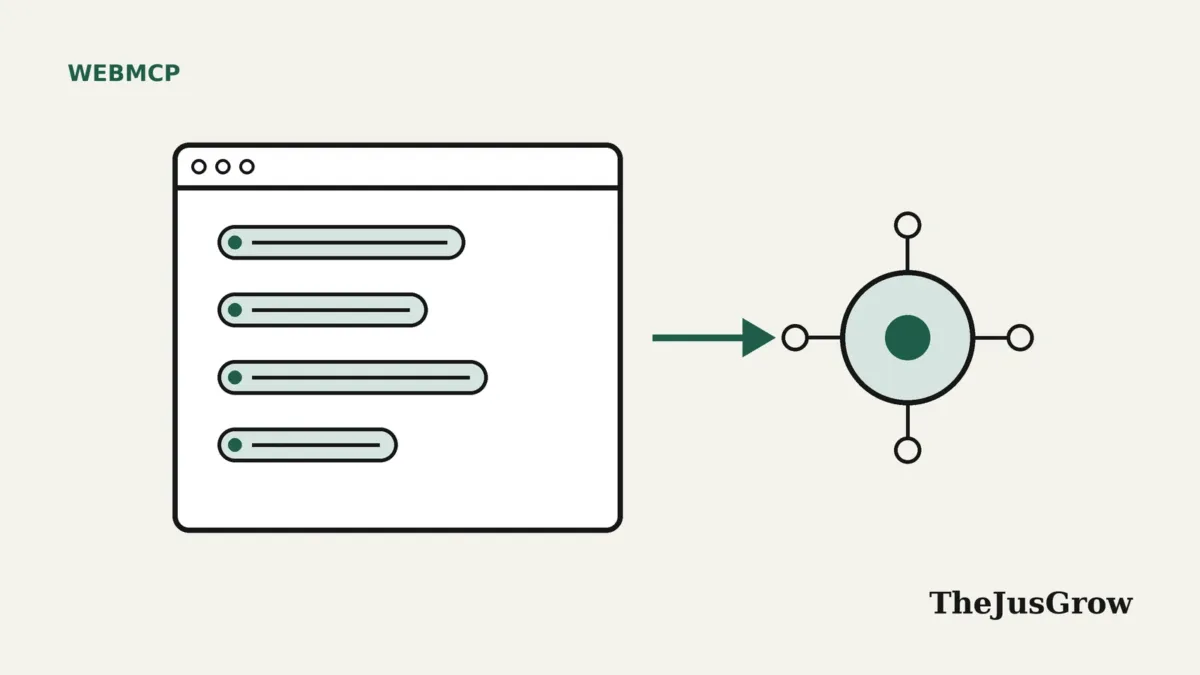
The new standard takes a different approach. The website itself says, in effect, “Here are the things you can do on this page, and here is exactly what information each one needs.” As a result, the agent no longer has to guess. It can call a tool such as search_hotels with a city, dates and a price limit, and get a structured answer back.
What is WebMCP, in simple terms?
Think of a restaurant. Screen-reading agents are like a visitor who walks into the kitchen and works out how to cook by watching. The new approach is more like a menu. The restaurant lists what it offers, and you order by name.
Technically, the standard gives web pages a way to register “tools”. Each tool has:
- a name, such as
add_to_cart; - a description in plain language, so the AI understands when to use it;
- an input schema, which lists the details it needs, such as a product ID and quantity;
- a small piece of code that does the work on the page.
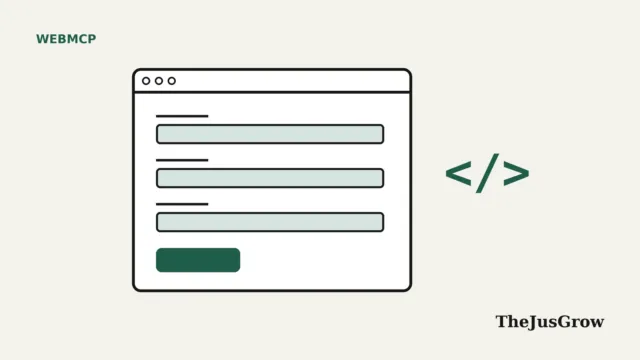
The draft specification describes the goal simply: the API “enables web applications to provide JavaScript-based tools to AI agents.” Developers can also turn an ordinary HTML form into a tool by adding a few attributes. We cover both methods in our guides to the WebMCP declarative API and the WebMCP imperative API.
Where did the idea come from?
The standard started as a joint proposal from engineers at Microsoft and Google. According to the project’s GitHub explainer, it was first published on August 13, 2025. It now lives in the W3C’s Web Machine Learning Community Group.
The latest draft, dated September 26, 2026, lists three editors: Brandon Walderman of Microsoft, and Khushal Sagar and Dominic Farolino of Google. That said, a Community Group draft is not a finished web standard. Search Engine Journal notes that it is not yet a W3C Standard, and the details are still changing.
In fact, the API has already changed shape. Early reports in February 2026 described it as navigator.modelContext. By September 2026, Chrome’s documentation and the explainer both use document.modelContext. So if you read an older tutorial, check the date first.
Is it the same as MCP?
No, although the names are related. MCP, the Model Context Protocol, was created by Anthropic. It connects AI apps to outside services, usually through a server. We explain it in our guide to the Model Context Protocol.
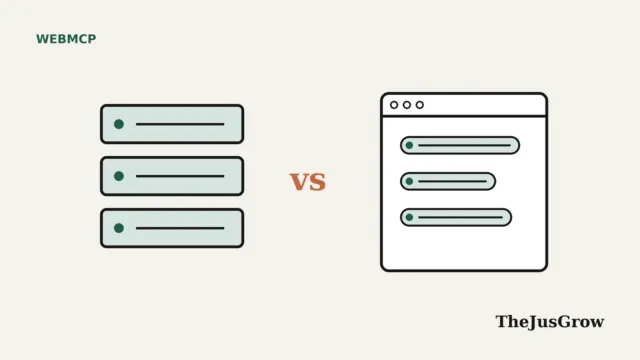
The newer standard borrows the idea of “tools” from MCP. However, Chrome’s documentation is clear: “WebMCP is not an extension or a replacement of MCP.” MCP is for the back end. The web version is for the front end, meaning the web page you have open. In other words, its tools only exist while the page is open in a browser tab. For a full comparison, read WebMCP vs MCP.
Who supports WebMCP right now?
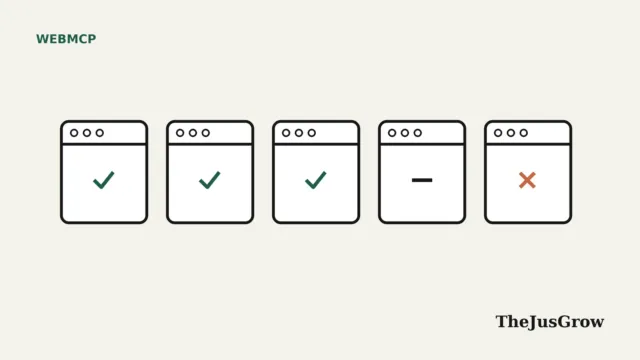
Support is growing fast, but it is still early. Here is the picture as of late September 2026:
| Product | Status (September 2026) |
|---|---|
| Google Chrome | Origin trial from Chrome 149; testing flag available |
| Microsoft Edge | Origin trial in Edge 150, per the project’s tracker |
| Brave | Experimental support in its Leo assistant |
| ChatGPT desktop app | “Site tools” in the built-in browser since August 25, 2026 |
| Shopify | Tools switched on for Liquid storefronts since August 5, 2026 |
| Cloudflare | Developer preview that adds tools at the network edge |
| Firefox | Mozilla’s standards position is neutral |
| Safari | WebKit’s standards position is opposed |
An “origin trial” means websites can sign up to test the feature with real visitors before it becomes standard. So for most people, this is not yet something they will notice. Our WebMCP browser support tracker goes into more detail.
What does it mean for everyday users?
For now, very little changes on screen. However, the direction is important. Because tools are built into the page, the standard is designed for a person and an agent working together. The explainer lists “fully autonomous workflows without human oversight” as a non-goal. In other words, you stay in the loop.
In practice, that could mean:
- Faster, more reliable help. An agent can search a shop’s catalogue directly instead of scrolling and clicking.
- Fewer mistakes. Tools have clear inputs, so there is less room for the agent to misread a page.
- More confirmation steps. Tools can be flagged as “consequential”, which lets the browser or agent ask you before anything important happens.
- Better accessibility, possibly. The explainer lists accessibility as a goal. Critics disagree, as we explain below.
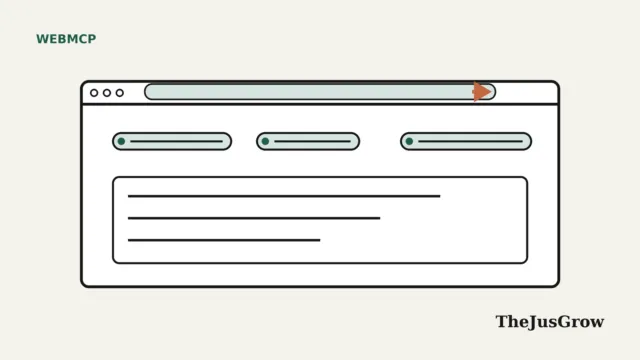
ChatGPT is the first big consumer example. Its desktop browser shows an arrow in the address bar when a site offers tools. It also asks for permission before using them. Our guide to ChatGPT site tools walks through how that works.
What does WebMCP mean for website owners?
For businesses, it is an early chance to decide how AI agents use their site. Instead of hoping an agent understands the layout, a shop, booking site or support centre can publish clear actions.
Some companies have already moved. Shopify switched on a set of tools for its Liquid storefronts, including search_catalog, update_cart and proceed_to_checkout. Cloudflare launched a developer preview that adds tools without changing a site’s code.
Still, there is no rush for most small sites. Google’s own search guidance says you don’t need special AI markup to appear in Google Search. Also, Search Engine Journal points out that the standard matters once a visitor or agent is already on your site; it is not a ranking factor. If you run WordPress, our guide to WebMCP on WordPress covers the options.
What are the risks and criticisms?
The proposal has real critics, and their concerns are worth knowing.
First, there is security. Any AI that reads web content can be tricked by hidden instructions, which is known as prompt injection. The draft lists prompt injection, “tool poisoning” and privacy leaks among its main risks. Researchers in Taiwan also showed in June 2026 that compromised third-party scripts could tamper with a page’s tools.
Second, browser makers disagree. Mozilla’s position is neutral. It warns that sites could plant prompt injections “invisible to typical users” or collect data from agent inputs. Apple’s WebKit team is opposed. It argues that improving HTML and accessibility features would help everyone, including screen-reader users, instead of building a separate layer just for agents.
Third, the standard is young. Features, names and rules are still changing. Therefore, anything built today may need updating. Our WebMCP security guide covers the risks in depth.
Our view: why WebMCP is worth watching
This is editorial judgement, not a prediction. It matters because it shifts power slightly back to websites. Instead of agents scraping pages, sites decide what agents can do and how. Meanwhile, users get clearer confirmations and fewer clumsy clicks.
However, it will only succeed if several things happen. Browsers need to ship it by default, agents need to use it, and sites need a reason to add it. Also, the security and accessibility questions need good answers. As of September 2026, all of that is still in progress.
Key takeaways
- WebMCP is a proposed web standard that lets websites offer AI agents clear, named actions instead of making them click around.
- It runs in the browser tab, next to the normal page, and is designed for people and agents working together.
- As of September 2026, Chrome and Edge are testing it, ChatGPT’s desktop browser uses it, and Shopify stores expose tools.
- Mozilla is neutral and Apple’s WebKit team is opposed, mainly over security and accessibility concerns.
- It is not a ranking factor, and the API is still changing, so check dates on any tutorial.
What is WebMCP: FAQs
It is a proposed web standard that lets a website list clear actions, such as searching or adding to a cart, that AI agents can use directly instead of clicking around the page.
No. MCP connects AI apps to outside services, usually through a server. The web version works inside a browser tab on the page you have open. Chrome’s documentation says it is not a replacement for MCP.
Partly. As of September 2026 it is experimental. Chrome and Edge are running origin trials, ChatGPT’s desktop browser supports it as “site tools”, and Shopify stores expose tools.
There is no evidence it affects rankings. Google says no special AI markup is needed for Search, and the standard mainly matters after a visitor or agent reaches your site.
Sources
- W3C Web Machine Learning Community Group, Draft Community Group Report (September 26, 2026)
- webmachinelearning, explainer on GitHub (accessed September 2026)
- Chrome for Developers, overview page (updated August 7, 2026)
- Chrome for Developers, “Compare WebMCP and MCP” (updated May 19, 2026)
- webmachinelearning, “Implementation status” (accessed September 2026)
- OpenAI Help Center, “Using site tools in the ChatGPT desktop app” (2026)
- Shopify, “WebMCP support for Liquid and Hydrogen storefronts” (August 5, 2026)
- Cloudflare, “Give any website a WebMCP interface” (August 6, 2026)
- Mozilla, standards position issue #1412 (accessed September 2026)
- WebKit, standards position issue #670 (accessed September 2026)
- VentureBeat, “Google Chrome ships WebMCP in early preview” (February 12, 2026)
- Search Engine Journal, “WebMCP Connects AI Agents To Actions Inside Websites” (August 28, 2026)
- Lee et al., “WebMCP Tool Surface Poisoning: Runtime Manipulation Attacks on LLM Agents”, arXiv (June 4, 2026)
- Google Search Central, “Optimizing for generative AI features on Google Search” (updated July 10, 2026)