Google CC for Families, Explained: What the Household AI Agent Does and What to Check First
Google Labs has turned its CC agent into a shared assistant for households. Here is what it can do with school emails, calendars and forms, who can use it, and the privacy questions families should settle first.

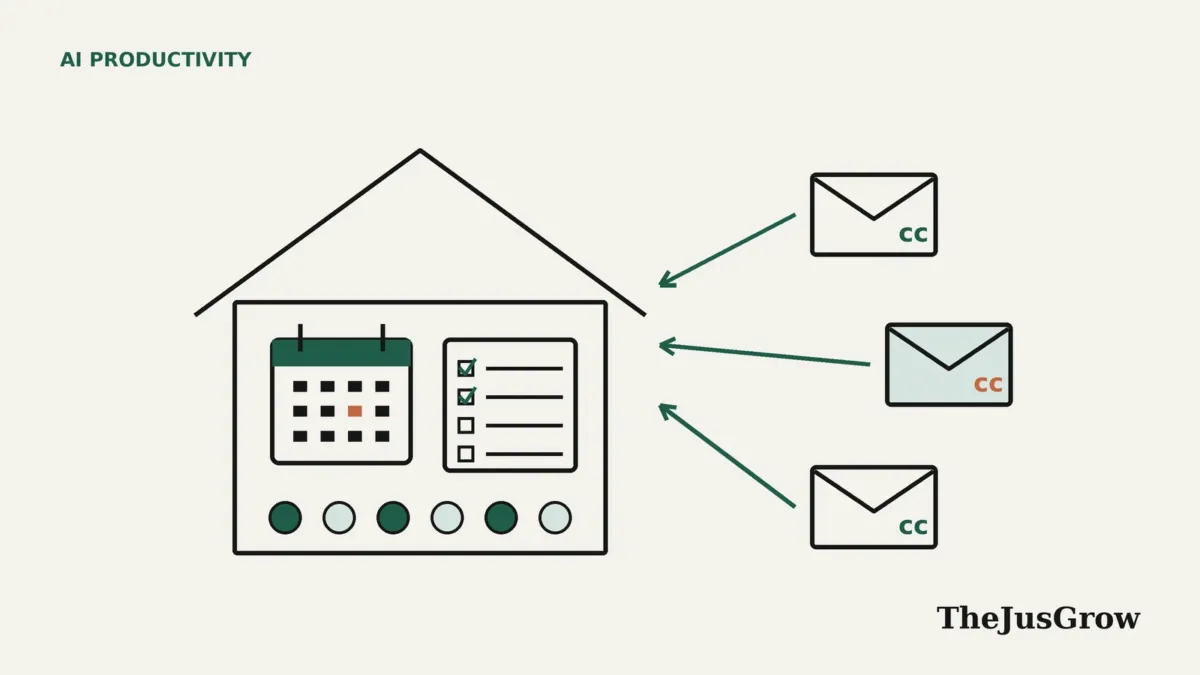
Google CC for families: the short answer
CC is an experimental AI agent from Google Labs that, since 17 September 2026, works for a whole household rather than one person. Up to six adults can share school emails, calendars and files with it, and it sends a shared morning brief, tracks dates and to-dos, and helps with forms, shopping lists and meal plans. It is US-only, for people 18 and over with personal Google accounts, and access is through a waitlist.
Anyone who runs a household knows that most of the work is admin: the school email that mentions a non-uniform day, the football fixture that moved, the permission slip due tomorrow. It hides in inboxes, group chats and calendars, and it usually lands on one person.
Google Labs thinks an AI agent can take some of that load. Its CC agent, first launched in December 2025 as a personal morning-briefing tool, now works as a shared agent for families. This explainer covers what Google says the new CC does, who can use it, and the questions worth talking through before you add it to your household. It is based on Google’s announcements and news reporting; TheJusGrow has not used CC for this article.
What is Google CC?
Google describes CC as an agent that helps households manage shared responsibilities. The name echoes the “cc” line in email, and that is a fair description of how much of it works: family members copy CC in on messages, much as they might copy in a partner.
In the new version, announced on the Google blog by Google Labs product manager Tom Shane, CC has “its own verified Google Account”, which is how it appears when it interacts with the group. It connects with Gmail, Google Chat, Docs and Calendar. Google calls it “an early experiment”, which is worth taking at face value: features and behaviour may change, and Google sometimes shuts experiments down.
What can CC do for a household?
Google and TechCrunch describe a set of tasks aimed squarely at family logistics:
| Task | How Google describes it |
|---|---|
| Shared morning brief | A “Your Day Ahead” summary each morning of schedules and tasks for the group |
| Calendar and to-dos | Tracks dates and to-dos across members, adding details from shared emails to calendars or task lists |
| Forms | Helps with “filling out permission slips or activity registration PDFs” |
| Lists and plans | Creates school supply shopping lists and weekly meal plans |
| Logistics | TechCrunch reports it can calculate drive times between activities and create shared documents |
For example, TechCrunch lists the kind of email CC handles: school notices, sports confirmations and doctor’s appointments. Those are also the kinds of message that tend to get lost in a busy inbox.
It is worth being clear about what “helps with forms” means in practice. Google’s wording describes help filling them in, not submitting them on your behalf. Any form involving a child’s medical, contact or consent details needs a parent to check it line by line before it goes anywhere.
How does information reach CC?
This is the part families should understand best, because it decides what the agent knows. According to Google, there are several routes:
- Auto cc: each member can pick email senders, such as the school office or a sports club, and CC receives their messages automatically from then on.
- One-off forwarding: you can pass an individual email, or information from a text message, to CC when it arrives.
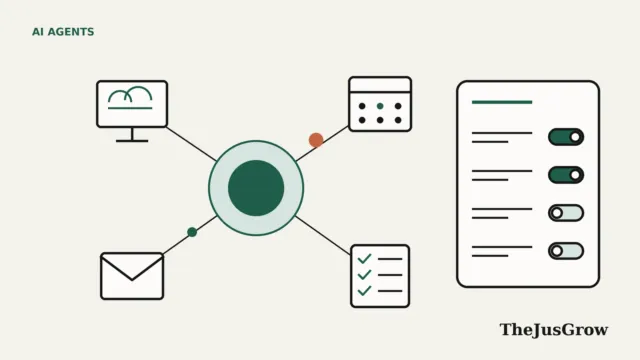
- Files and calendars: members can share a Drive folder or files with CC, or add CC to a calendar.
Google says each member “can easily choose what to share with CC and what to keep private, and can make changes at any time”, and that CC only sees what each member chooses to share. That is a narrower design than giving an agent full access to an inbox, which is a meaningful privacy advantage. It also means CC will only be as complete as the information people remember to share with it.
Who can use CC right now?
As of September 2026, Google says the new CC is available on the web and on mobile for people aged 18 and over in the US who have a personal Google account. Google is inviting existing CC users by email to upgrade their account; new users join a waitlist. A group can have up to six members.
Two consequences follow. First, work and school Google accounts are not eligible, only personal ones. Second, teenagers cannot be members. TechCrunch points out that this shuts out older children, even though many of them already live inside school-issued Google accounts. For now, CC is a tool for the adults who organise a household, not for the whole family.
Google’s September announcement does not mention a price. At first, Google limited the original December 2025 version to Google AI Ultra subscribers and other paid subscribers, so check the eligibility terms when you are invited off the waitlist.
How has CC changed since December 2025?
The first version of CC, announced on 16 December 2025, was a personal productivity agent. The agent connected to one person’s Gmail, Calendar and Drive and sent a “Your Day Ahead” briefing each morning. However, while it could prepare draft emails and calendar links, it left the final action to the user. It launched in early access in the US and Canada.
The family version keeps the daily brief but changes the model. CC now has its own account, serves a group rather than an individual, and receives information that members choose to send it rather than reading a single person’s inbox. TechCrunch reports that Google made the change in response to user feedback.
If you are comparing household-style assistants, our explainers on Gemini Spark and Meta’s Muse agent cover two other approaches, and our guide to AI agents for personal productivity looks at the wider category.
What should families think about before adding CC?
A shared agent raises questions a personal one does not. These are worth settling before anyone sets up auto cc:
- Everything shared is shared with the group’s agent. Agree which senders go to CC. A school newsletter is one thing; a message from a child’s doctor or therapist is another.
- Children’s information deserves extra care. CC is designed to handle school and medical logistics, which means children’s names, schedules and sometimes health details. Share the minimum needed.
- Check the output, especially dates. An agent that misreads a pick-up time or misses a changed fixture is a real risk for a household that relies on it. Keep the original email until the event has passed.
- Decide who owns the setup. Someone should know how to remove a member, change what is shared and leave the group.
- Remember it is an experiment. Don’t let CC become the only record of important dates.
CC also reads messages from outside senders, so the usual rules about AI agents and untrusted content apply. Our explainer on prompt injection covers why an agent reading emails needs guardrails.
A sensible way to try it
If you get access, start small. Pick one recurring source of admin, such as a single school or club, and set up auto cc only for that sender. Run it alongside your existing system for two or three weeks and compare what CC catches with what you would have caught yourself.
When asking CC for help, specific instructions work better than vague ones. Something like this gives it a clear, checkable job:
Make a list of every date and deadline in this week’s emails from the school, with the day, time and what we need to do. Mark anything you are unsure about.
Asking the agent to flag uncertainty gives you a natural place to check its work. If it proves reliable, widen what you share one sender at a time.
Key takeaways
- Google Labs relaunched CC on 17 September 2026 as a shared AI agent for households of up to six adults.
- It sends a shared morning brief, tracks dates and to-dos, and helps with forms, shopping lists and meal plans using information members choose to share.
- It is US-only, for people 18 and over with personal Google accounts, via a waitlist; teenagers and school accounts cannot join.
- Google has not stated pricing for the new version; the original was first limited to paid subscribers.
- Agree as a household what gets shared, keep children’s details to a minimum, and check dates against the original messages.
Google CC for families: FAQs
Adults aged 18 and over in the US with personal Google accounts, through a waitlist. Up to six adults can share one household. Teenagers and school accounts cannot join.
Google has not announced pricing for the new household version. The original version was first limited to paid subscribers.
Only what it needs to be useful, such as school emails and the family calendar. Agree as a household what gets shared, keep children’s details to a minimum and check dates against the original messages.
Sources
- Google Blog, “The new CC, an AI agent built for families” (17 September 2026)
- Google Blog, “Help boost your daily productivity with CC, a new experimental AI agent from Google Labs” (16 December 2025)
- TechCrunch, “Google’s new ‘CC’ is an AI agent that helps families run their households” (18 September 2026)