AI Job Search: How to Use AI Agents to Find Work in 2026
LinkedIn is retiring its classic job search, and AI coaches now sit inside the big job apps. Here is how to get real value from AI job search tools without spamming employers or falling for scams.

In this article
- What is AI job search?
- How does LinkedIn’s AI job search work?
- Job match, Top Applicant and AI cover letters
- What does Indeed’s Career Scout do?
- Using general AI agents for your AI job search
- Should you use auto-apply bots?
- How to spot AI-era job scams
- A simple weekly AI job search routine
- AI job search: FAQs
- Sources
AI job search: the short answer
AI job search lets you describe the job you want in plain English and have software match it to listings, your profile and your resume. LinkedIn made this its main job search in 2026, and Indeed offers an AI coach called Career Scout. Use these tools to find and prepare for roles. Then write and send each application yourself.
AI job search has quietly become the normal way to look for work. LinkedIn says its AI-powered search is now available to all members worldwide, and it began retiring its classic keyword search in September 2026. Meanwhile, Indeed has built an AI career coach into its app, and general AI agents can now browse, draft and track tasks for you.
That creates a real opportunity. It also creates a temptation to let software fire off hundreds of applications. This guide explains what the main tools actually do, according to their own documentation, and how to use them in a way employers will still respect.
It draws on publicly documented capabilities and sources checked in September 2026. TheJusGrow has not tested these products for this article, and nothing here is career or legal advice.
What is AI job search?
Traditional job boards match keywords. If you typed “marketing manager”, you saw listings with those words, and filters did the rest. AI job search instead tries to understand what you mean. It then compares that with job descriptions, and often with your profile, to rank results.
LinkedIn gives a clear example on its help page for AI-powered job search. A search for “entry-level marketing jobs” can surface a “Marketing Coordinator” or “Junior Marketing Associate” role, even if the listing never says “entry-level”. LinkedIn says the system runs on large language models fine-tuned on two decades of its data.
In practice, AI job search now covers four jobs: finding roles, judging fit, preparing applications and practicing interviews. Different tools handle different parts, so it helps to know which does what.
How does LinkedIn’s AI job search work?
You type the role you want in your own words. LinkedIn suggests being specific about location, experience level, specialty, skills or industry. Here are the kinds of searches its help page recommends:
Entry-level sales jobs in healthcare posted in the last week
Finance manager roles in my network with less than 10 applicants
Filters still exist. As of September 2026, LinkedIn lists date posted, company, experience level, employment type, remote, Easy Apply, in my network and under 10 applicants. It also says some older filters, such as Verified job, “most recent” sorting and hybrid or on-site, are coming back. In addition, suggested filters appear under the search bar in English, German, French, Spanish and Portuguese.
One detail is worth knowing. LinkedIn says it may use data from your profile and search activity to personalize results. So an out-of-date profile can quietly narrow what you see. Updating your headline, skills and recent roles is therefore part of searching well.
Job match, Top Applicant and AI cover letters
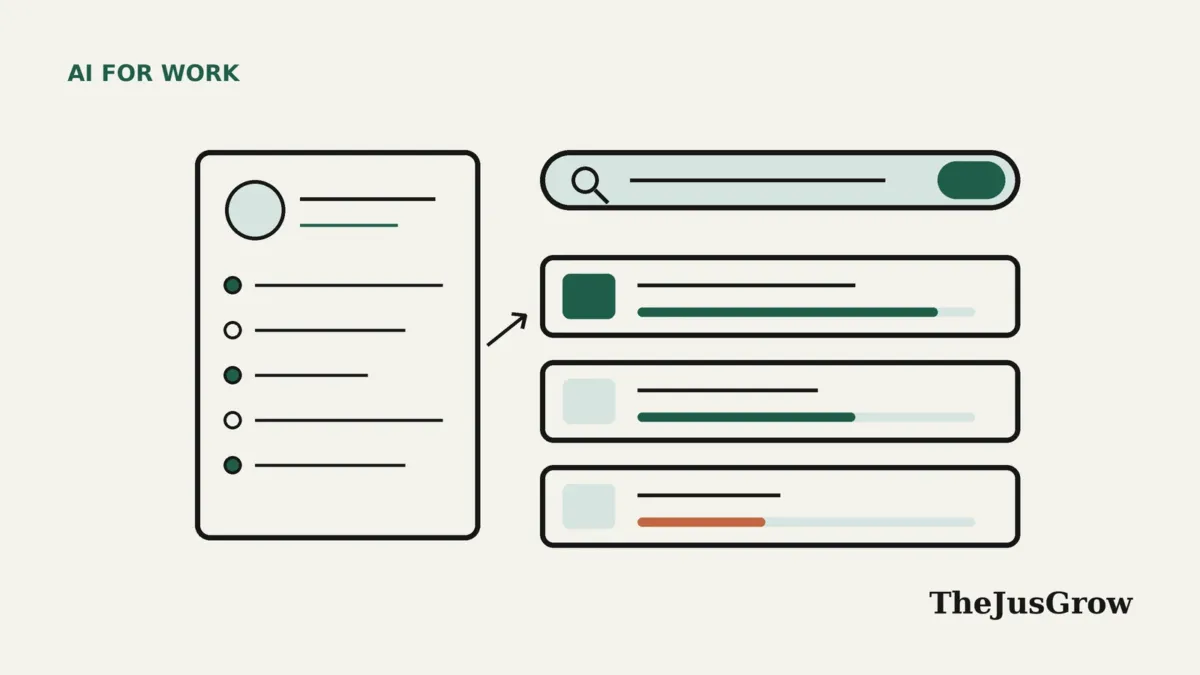
LinkedIn also uses AI to tell you how well you fit a role. Its job match feature compares the qualifications on your profile and resume with the job’s required and preferred qualifications. Then it writes a short summary. Premium members also get a match level, and a Top Applicant label on jobs where LinkedIn thinks they have a higher chance of hearing back.
Two points from LinkedIn’s own help pages are easy to miss. First, hirers do not see your job match level or summary. Second, Top Applicant only appears if you are in the top 50% of applicants for a role, and only once at least 10 people have applied.
| LinkedIn feature | What it does | Who gets it (Sept 2026) | Watch out for |
|---|---|---|---|
| AI-powered job search | Plain-English search across listings | All members worldwide | Results depend on your profile |
| Job match summary | Compares your profile and resume with a job | Members viewing jobs | Hirers don’t see it |
| Match level and Top Applicant | Ranks you against other applicants | Premium members | Needs at least 10 applicants |
| Cover letter assistance | Drafts a letter from your profile and the job | A limited number of Premium members, English only | In beta and “may make mistakes” |
Treat these signals as a checklist, not a verdict. A low match can simply mean your profile leaves out skills you actually have. Likewise, a high match does not mean a recruiter will call.
What does Indeed’s Career Scout do?
Indeed launched Career Scout on September 10, 2025, as an AI career coach inside its mobile app. According to Indeed’s announcement, it suggests career paths based on your skills and interests. It also offers company and salary insights, personalized job recommendations, resume tailoring and interview practice with feedback.
Indeed also says Career Scout can pre-fill applications and keep your whole search in one place. Its product page claims users find and apply to relevant jobs seven times faster, and are 38% more likely to land a job. Those are Indeed’s own figures, and it has not published the full method behind them, so read them as company claims.
Career Scout’s product page does not say it submits applications for you. That is a sensible line. As a result, the coach speeds up preparation, while you stay in charge of what goes out under your name.
Using general AI agents for your AI job search
Beyond job sites, assistants such as ChatGPT, Gemini and Claude can help with the slow parts of a search. The trick is to give them clear, bounded tasks. For tips on writing good instructions, see our guide to instructions for AI agents.
| Task | Good use of AI | Keep for yourself |
|---|---|---|
| Research | Summarize a company’s recent news and products from its own site | Checking facts before an interview |
| resume tailoring | Suggest which of your real achievements match a listing | Deciding what is true and relevant |
| Cover letters | Draft a first version from your notes | Rewriting it in your voice |
| Interview prep | Role-play likely questions and give feedback | Your actual answers and examples |
| Tracking | Remind you of follow-ups and deadlines | The decision to apply or decline |
Monitoring tools help as well. For example, you could ask Google’s AI Mode to keep you updated when a particular employer posts a certain kind of role. We explain how that works in our guide to Google information agents. Similarly, a weekly scheduled task can summarize new postings, as described in how scheduled AI tasks work.
Here is a prompt pattern that keeps the AI honest about your experience:
Here is my resume and a job description. List the five requirements I meet, with the line from my resume that proves each one. Then list any requirements I don’t meet. Do not invent experience.
Should you use auto-apply bots?
Some third-party tools promise to apply to hundreds of jobs automatically. Tempting as that sounds, there are three good reasons for caution.
First, platform rules. LinkedIn’s user agreement, effective November 3, 2025, says members must not use “bots or other unauthorized automated methods” to access its services or send messages. Using an unapproved tool could therefore put your account at risk.
Second, quality. Mass applications tend to be generic, and recruiters rarely read a generic application closely. Third, security. Many of these tools want your login details or broad access to your accounts. Before handing those over, read our guide on whether to let an AI agent sign in to websites for you.
A better middle ground is to let AI find and shortlist roles, then apply to fewer jobs with more care. Built-in platform features, such as Easy Apply, stay within the platform’s own rules.
How to spot AI-era job scams
AI makes fake job ads and recruiter messages more polished, but the warning signs have not changed much. The US Federal Trade Commission’s job scam guidance, updated in August 2026, is blunt: “Honest employers, including the federal government, will never ask you to pay to get a job.”
- Someone asks you to pay for training, equipment or a “certification” before you start.
- An “employer” sends you a check, then asks you to deposit it and send part of the money on.
- A role promises thousands of dollars a month for little time or effort.
- Your duties involve receiving and reshipping packages.
- The recruiter rushes you, or moves the chat to a private messaging app.
If something feels off, search the company name with words like “scam” or “complaint”, and talk it through with someone you trust. In the US, you can report scams at ReportFraud.ftc.gov. For more on AI-powered fraud, see our guide to AI agent scams.
A simple weekly AI job search routine
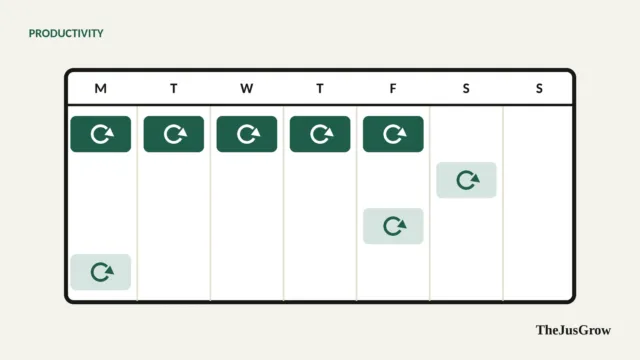
- Monday: refresh your profile and resume so AI matching has accurate information.
- Tuesday: run three or four plain-English searches and save the best listings.
- Wednesday: ask an assistant to map your real experience to each shortlisted job.
- Thursday: write and send tailored applications yourself.
- Friday: practice interview questions with AI, then review follow-ups and alerts.
This routine keeps AI where it is strongest, which is searching, sorting and rehearsing. Meanwhile, you keep ownership of the parts employers judge you on.
Who benefits most, and who should be careful
Career changers gain a lot, because meaning-based search surfaces roles with unfamiliar titles. Graduates benefit too, as does anyone searching across several countries. On the other hand, people in regulated or confidential roles should avoid pasting sensitive employer information into AI tools. Freelancers may find our guide to AI agents for freelancers a better fit.
Key takeaways
- LinkedIn’s AI-powered job search is available to all members, and LinkedIn began retiring classic search in September 2026.
- Job match summaries are private to you; hirers don’t see your match level.
- Indeed’s Career Scout is an AI coach in the Indeed app; its hiring-speed figures are Indeed’s own claims.
- Use AI to find, shortlist and prepare, but write and send applications yourself, and avoid unapproved auto-apply bots.
- Paying to get a job is a scam sign, according to the FTC, however polished the AI-written ad looks.
AI job search: FAQs
Yes. LinkedIn says AI-powered job search is available to all members worldwide. Some related features, such as match levels, Top Applicant and cover letter assistance, are for Premium members.
No. LinkedIn says hirers do not see your job match level or summary, although they do see the qualifications on your profile, resume and application.
Indeed says Career Scout can pre-fill applications, tailor your resume and prepare you for interviews. Its product page does not say it submits applications on your behalf.
LinkedIn’s user agreement bans bots and other unauthorized automated methods. Built-in features such as Easy Apply are fine, but third-party bots could put your account at risk.
Sources
- LinkedIn Help, “Discover new opportunities with AI-powered job search” (accessed September 29, 2026)
- LinkedIn Help, “Find how you match up with jobs on LinkedIn” (accessed September 29, 2026)
- LinkedIn Help, “Use the Top Applicant feature to apply for jobs” (accessed September 29, 2026)
- LinkedIn Help, “Cover letter assistance” (accessed September 29, 2026)
- LinkedIn, “User Agreement” (effective November 3, 2025)
- Indeed, “Indeed Introduces New Suite of Hiring Products” (September 10, 2025)
- Indeed, “Career Scout” product page (accessed September 29, 2026)
- Federal Trade Commission, “Job Scams” (updated August 13, 2026)