AI Agents vs AI Chatbots: What’s the Difference?
They often run on the same AI model and live in the same app. The difference is what they're allowed to touch — and that changes how much you should trust them.

In this article
- AI agents vs chatbots: the difference in one table
- A simple test: the “who presses the button?” question
- Why the difference matters more than it sounds
- When should you use a chatbot, and when an agent?
- Is ChatGPT a chatbot or an agent?
- What about AI assistants like Siri and Alexa?
- The bottom line
- AI agents vs chatbots: common questions
- Sources
AI agents vs chatbots: the short answer
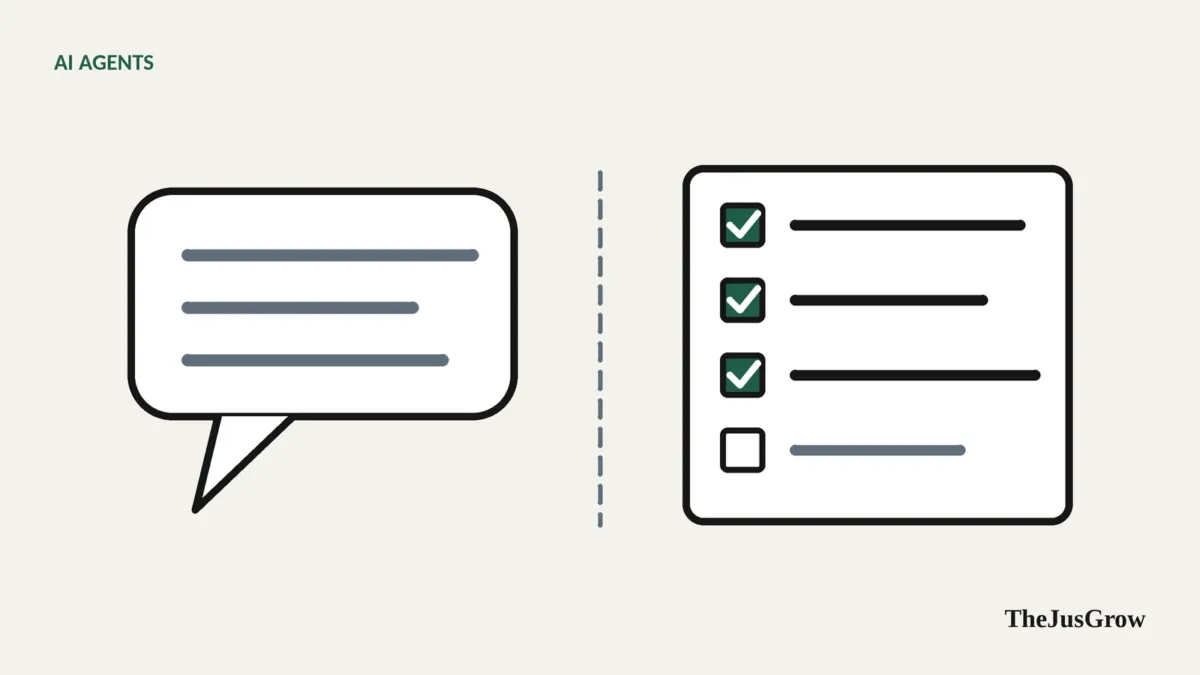
A chatbot responds to what you type with text, images or code, and you do the rest. An AI agent takes a goal and carries out the steps itself (browsing websites, using apps, filling in forms) checking its own progress and pausing for approval on important actions. Many products now contain both: a quick “chat” mode and a slower “agent” or “work” mode.
The confusing part is that the line between the two now runs through most AI products rather than between them. ChatGPT has Chat and Work. Google’s Gemini app has regular conversations and Gemini Spark. Anthropic’s Claude apps let you ask a question or hand over a task. Same logo, same underlying models, very different behaviour.
So instead of asking “is this product a chatbot or an agent?”, it’s more useful to ask: in this mode, is the AI only talking, or is it allowed to act?
AI agents vs chatbots: the difference in one table
| AI chatbot | AI agent | |
|---|---|---|
| What you give it | A question or instruction | A goal or outcome |
| What you get back | An answer: text, an image, code, a draft | A completed task, or a task in progress with questions for you |
| Can it act outside the chat? | Rarely, maybe a web search | Yes: browse, click, type, use connected apps, create files |
| Steps per request | Usually one response | Many actions, often dozens |
| Checks its own work? | Only if you ask | Yes, observes results and adjusts |
| Speed | Seconds | Minutes, sometimes longer |
| Cost to the provider | Low per message | Much higher; often limited to paid plans or monthly allowances |
| Main risk | Wrong information | Wrong actions, and exposure to malicious content it reads |
| Needs your accounts? | Usually not | Often: email, calendar, shopping or booking sites |
| Best for | Explaining, drafting, brainstorming, quick answers | Research across many sources, repetitive digital chores, monitoring |
A simple test: the “who presses the button?” question
Imagine you want to cancel a subscription you no longer use.
Ask a chatbot and it will tell you the steps: go to Settings, then Billing, then Manage Subscription, then look for the small grey link at the bottom. Useful. But you are still the one clicking.
Ask an agent and it will try to do it: open the service’s website, sign in (usually asking you to enter the password yourself), navigate to billing, find the cancel option, and stop to confirm with you before pressing the final button.
If the AI presses buttons in the world, it’s acting as an agent. If you press them, it’s a chatbot.
Why the difference matters more than it sounds
Mistakes change shape
When a chatbot gets something wrong, you get a bad answer. You might notice; you might not. When an agent gets something wrong, it may do the wrong thing, email the wrong person, book the wrong date, archive the wrong messages. The cost of an error is no longer just misinformation; it’s a real-world action you might have to undo.
This is why the better-designed agents build in confirmation steps. Google’s Gemini Spark documentation, for example, says it is designed to ask for review before sending communications, modifying data, making purchases and submitting web forms. Microsoft says Browse with Copilot will ask for supervision before buying an item, booking a reservation, sending an email or deleting a calendar event.
Agents read things you didn’t write
A chatbot mostly reads what you give it. An agent reads web pages, emails and documents written by strangers, and some of those strangers may be trying to manipulate it. This is called prompt injection: instructions hidden in content that try to redirect the AI. It is the main new security risk that agents introduce, and we cover it in detail in are AI agents safe to use?.
Agents need access
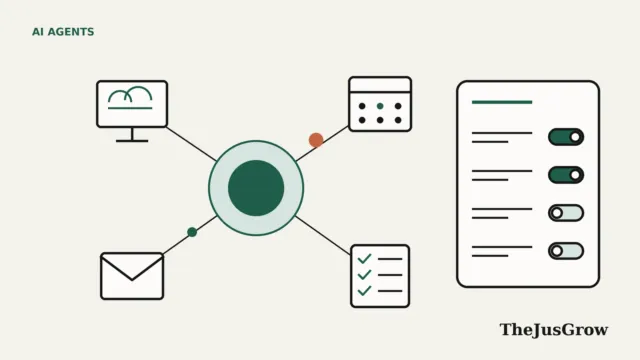
To do anything useful, an agent often needs to be signed into your accounts or connected to your apps. That’s a meaningful step up in trust. You would not give a chatbot your email password; you might give an agent read access to your inbox. Think about permissions the way you’d think about lending someone your house keys: for what, for how long, and to which rooms.
Agents are slower and more expensive
A chatbot reply takes seconds. An agent task can take minutes because it’s loading pages, reading them, and sometimes backtracking. That extra work costs the provider money, which is why agent features are usually limited to paid plans and often metered. OpenAI’s help documentation, for instance, historically listed monthly limits for its agent mode on each plan.
When should you use a chatbot, and when an agent?
A good rule: use the chatbot for thinking, and the agent for doing, but only when the doing is tedious enough to be worth supervising.
Use a chatbot when you want to:
- understand something (“explain how travel insurance excess works”);
- draft or rewrite text you’ll send yourself;
- brainstorm options before you decide;
- get a quick answer you can verify.
Use an agent when the task:
- involves many websites or documents (“compare the return policies of these six retailers”);
- is repetitive (“each Monday, pull my upcoming deadlines from email into one list”);
- needs monitoring over time (“tell me if this item drops below $150”);
- has a clear, checkable outcome.
And avoid handing to either, or at least keep a human firmly in charge, anything high-stakes and hard to reverse: large payments, legal or medical decisions, messages that could damage a relationship.
Is ChatGPT a chatbot or an agent?
Both, depending on the mode. In OpenAI’s current product, “Chat” is for fast conversational help and “Work” is described in its help centre as “an agent designed for longer, multi-step work and finished deliverables.” The earlier “ChatGPT agent” mode, which launched in July 2025 and could operate its own virtual browser, has been retired, with OpenAI’s help page directing people to Work instead.
The same pattern holds for Gemini (chat versus Spark) and Claude (a chat message versus a task). The underlying model is similar; the permissions, tools and time budget are what turn it into an agent.
What about AI assistants like Siri and Alexa?
Voice assistants were the original “do things for me” software, but most of what they did was follow fixed commands, set a timer, play a song, turn on a light. They didn’t plan multi-step tasks or cope well with anything unexpected. The newer versions, such as Amazon’s Alexa+, are built on large language models and are gaining more agent-like abilities. We compare them properly in AI personal assistants vs AI agents.
The bottom line
Chatbots and agents are converging into the same apps, and that’s mostly good news: you can think out loud in chat, then hand the dull parts to an agent. But the moment the AI is allowed to act (to click, send, buy or delete) your job changes from reader to supervisor. Keep that shift in mind and you’ll get the benefits without the nasty surprises.
For the fuller picture of how agents work under the hood, start with what AI agents are.
Key takeaways
- Chatbots answer; agents act. Many apps now include both modes.
- Ask “who presses the button?”, if the AI does, treat it as an agent.
- Agents’ mistakes are actions, not just wrong answers, so confirmations matter.
- Agents read untrusted content, which exposes them to prompt injection.
- Use chat for thinking and drafting; use agents for tedious, checkable, multi-step tasks.
AI agents vs chatbots: common questions
Both, depending on the mode. Its normal chat replies with text, which is chatbot behaviour. Its agent-style features, now under ChatGPT Work, can plan steps, use connected apps and a browser, and ask for approval before important actions.
A chatbot is usually lower risk because you carry out every step yourself. An agent acts on your behalf and reads untrusted web pages and emails, which exposes it to prompt injection. Keep confirmations on for anything that sends, buys or deletes.
Use a chatbot for thinking, drafting and quick questions. Switch to an agent when the job is tedious, multi-step and easy to check, such as comparing prices across several shops or turning a long email thread into a task list.