What AI Agent Memory Stores About You, and How to Delete It
ChatGPT, Gemini, Claude and Copilot all remember things about you between conversations. Here is what each one keeps, where to find it, and why deleting a chat is not always enough.

AI agent memory: the short answer
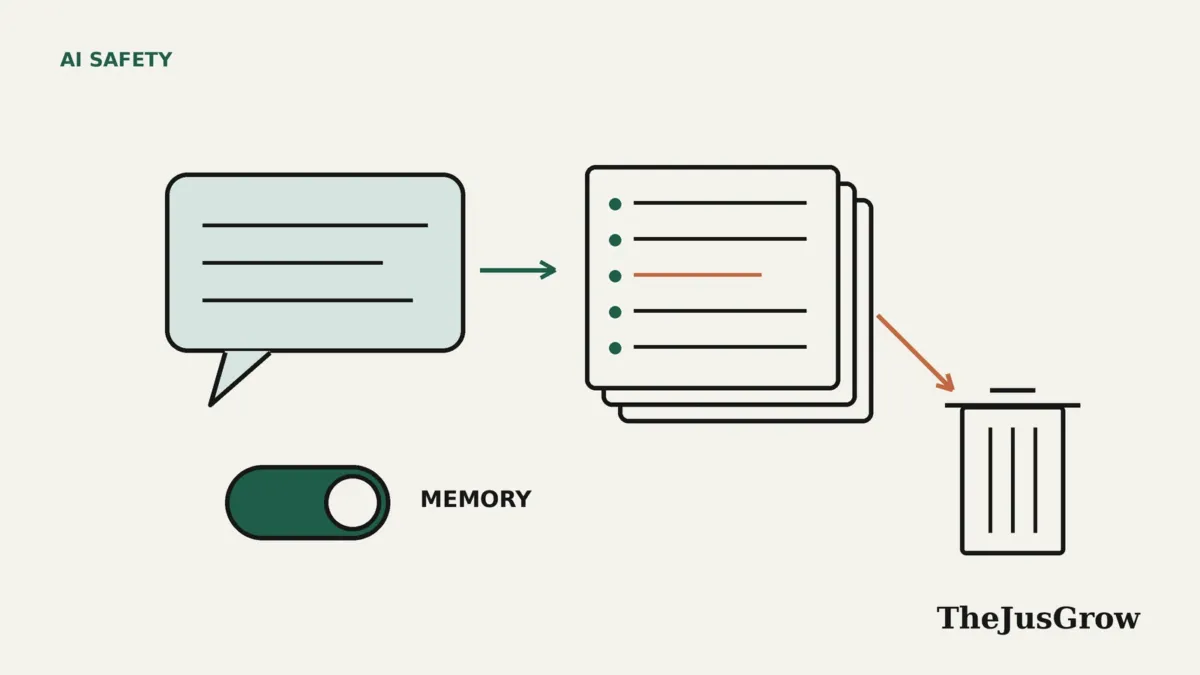
AI assistants such as ChatGPT, Gemini, Claude and Microsoft Copilot can remember details about you between conversations, either facts you ask them to keep or information drawn from past chats. Each lets you view, edit or delete what it has kept and switch memory off. The catch is that assistants usually store memory, chat history and connected apps separately, so deleting a chat does not always delete what the assistant learned from it.
The first time an AI assistant greets you with a detail you mentioned weeks ago, it can feel helpful or unsettling, sometimes both. Memory is what lets an assistant skip the introductions: it knows you are vegetarian, that you work in a school, or that you are planning a trip in spring. For agents that act on your behalf, memory is part of what makes them useful.
It is also a growing store of personal information that you did not type into a form and may have forgotten sharing. This guide explains what memory is, how the main assistants handle it as of September 2026, and how to remove things properly. It is based on each company’s help documentation; menu names change often, so if a setting has moved, search the app’s settings for “memory” or “personalization”.
What does “memory” mean in an AI assistant?
A language model does not learn from your conversations in real time. Memory is a separate feature that sits around the model: a store of notes about you that the assistant can look up and add to future conversations. There are usually two kinds:
- Explicit memories: things you ask the assistant to remember (“Remember that I’m allergic to peanuts”), or that it decides are worth keeping.
- Chat history reference: the assistant searches or summarises your past conversations for relevant context, even if it never saved anything as a memory.
Agents add a third layer: connected apps. If an assistant can read your email, calendar or files, it may draw on those too. OpenAI’s help page, for example, lists custom instructions, uploaded files and connected apps such as Gmail among the sources ChatGPT can use to personalise answers.
Why deleting a chat may not be enough
This is the point most people miss. Because these stores are separate, removing one does not automatically remove the others. OpenAI states it plainly: “Deleting a chat alone does not necessarily delete a separate saved memory created from that chat.” To remove something fully from ChatGPT, OpenAI says you may need to delete it from the memory summary, saved memories, the chats themselves, files and connected apps.
The reverse is also true. Microsoft says that deleting all Copilot memory leaves your conversation history in place, and OpenAI says turning off memory “does not delete your past chats”. Treat memory and history as two separate clean-ups.
How the main assistants compare
| Assistant | What it remembers | Where to manage it | Private mode |
|---|---|---|---|
| ChatGPT | Saved memories, a memory summary, and reference to past chats | Settings > Personalization > Memory | Temporary Chat does not create or update memories |
| Gemini | Past chats, used to personalise answers | Personal Intelligence settings; delete chats in Gemini Apps Activity | Memory needs Keep Activity on; not used in Gems or Live chats |
| Claude | Work-focused topics such as role, projects and preferences | Settings > Memory; pause or reset | Incognito chats are not saved to history or memory |
| Microsoft Copilot | Details from conversations | Ask it to forget, or Memory > Delete all Memory in profile settings | Turning off personalization and memory makes it forget |
Details below come from each company’s help pages, checked in September 2026. Availability varies by plan, country and account type.
ChatGPT
OpenAI’s memory system has three visible parts: saved memories, which are kept separately from chat history; reference chat history, which lets ChatGPT use relevant information from past conversations; and a memory summary, a high-level view of what it may use to personalise responses.
You manage all of this under Settings > Personalization > Memory. There you can review the summary, correct or delete individual memories, and mark items “Don’t mention this again”. OpenAI also describes a “Sources” view showing which chats, files or emails informed a response.
Two details are worth knowing. OpenAI keeps deleted saved memories for up to 30 days “for safety and debugging purposes”. And for personal accounts, OpenAI may use memories to train models if the “Improve the model for everyone” setting is on. OpenAI says it does not use content from its Business, Enterprise and Edu workspaces for training.
Google Gemini
Google’s help page describes a feature called Memory, found in Gemini’s Personal Intelligence settings, which lets Gemini learn from past chats and suggest topics or tools based on them. To switch it off, open your profile menu, go to Personal Intelligence and turn Memory off; on the web it is under Settings & help.
Memory depends on Keep Activity being switched on. To remove something Gemini has picked up, Google suggests correcting it directly in a chat, or deleting the relevant conversations from Gemini Apps Activity in your Google account. Google notes that it may take some time before Gemini stops using deleted chats. Gemini does not use memory in Gems or Live conversations.
Anthropic’s Claude
Anthropic says Claude’s memory focuses on work context and stores information as individual topics, covering things like your role, projects, preferences and the people relevant to your work, rather than full conversation summaries.
You can view and edit these under Settings > Memory. Anthropic describes two ways to stop it. Pause memory keeps what Claude already knows but stops Claude creating new memories. Reset memory permanently deletes everything, and Anthropic warns that “this cannot be undone”. Claude does not save incognito chats to history or memory, and each Claude project has its own separate memory space. Memory is on by default for Free, Pro and Max plans, and off by default for Team and Enterprise.
Microsoft Copilot
Microsoft’s consumer Copilot takes a conversational approach. You can ask “What do you know about me?” to get a summary, and ask it to forget something specific. To clear everything, go to your profile settings and choose Memory > Delete all Memory. Turning off personalization and memory makes Copilot “forget its memories of your conversations”, while leaving past conversations available.
Microsoft says it keeps conversations for 18 months, and you can delete them one by one or all at once. You can opt out of model training under Privacy > Training on conversation activity, though Microsoft notes conversations may still be used for general product improvements and safety.
Newer agents work the same way
The same questions apply to newer agents. Meta says its Muse agent “remembers what matters to a person” and that you can tell it to forget specific things. See our explainer on Meta Muse for the rest of its privacy design. Agents that connect to your email or files also inherit whatever those accounts contain, which is why our guide to reviewing apps connected to your accounts is a useful companion to this one.
A ten-minute AI agent memory check-up
Once every few months, it is worth doing the following for each assistant you use:
- Ask it directly what it knows or remembers about you, and read the answer carefully.
- Open the memory settings and delete anything outdated, wrong or more personal than you want kept.
- Search your chat history for conversations about health, money, legal matters or other people, and delete those you don’t need.
- Check which apps and accounts the assistant can reach, and disconnect any you no longer use.
- Check whether the provider uses your conversations for model training, and change the setting if you prefer.
- Use the private or temporary mode for one-off sensitive questions in future.
Memory is not a reason to avoid AI assistants, but it is a reason to treat them like any other account that holds personal data. For a wider look at the risks of letting agents act for you, read are AI agents safe?.
Key takeaways
- AI assistant memory is a separate store of notes about you, alongside chat history and connected apps.
- Deleting a chat does not necessarily delete a memory created from it; OpenAI says so explicitly.
- ChatGPT, Gemini, Claude and Copilot all let you view, delete or switch off memory, but the controls are in different places.
- Private modes such as ChatGPT’s Temporary Chat and Claude’s incognito chats do not add to memory.
- A regular check-up of memories, history, connections and training settings keeps what the assistant stores under your control.
AI agent memory: FAQs
Not always. Most assistants store memory separately from chat history. OpenAI says explicitly that deleting a chat does not delete a memory saved from it, so remove the memory itself too.
Yes. ChatGPT, Gemini, Claude and Copilot all let you switch memory off, though the setting sits in a different place in each.
No. Private modes such as ChatGPT’s Temporary Chat and Claude’s incognito chats do not add to memory.
Sources
- OpenAI Help Center, “Memory in ChatGPT” (accessed September 2026)
- Gemini Apps Help, “Get personalization with memory of your past Gemini chats” (accessed September 2026)
- Claude Help Center, “Use Claude’s chat search and memory to build on previous context” (accessed September 2026)
- Microsoft Support, “Microsoft Copilot privacy controls” (accessed September 2026)
- Meta Newsroom, “Introducing Muse: The World’s First Personal AI Agent Built for Everyone” (8 September 2026)